
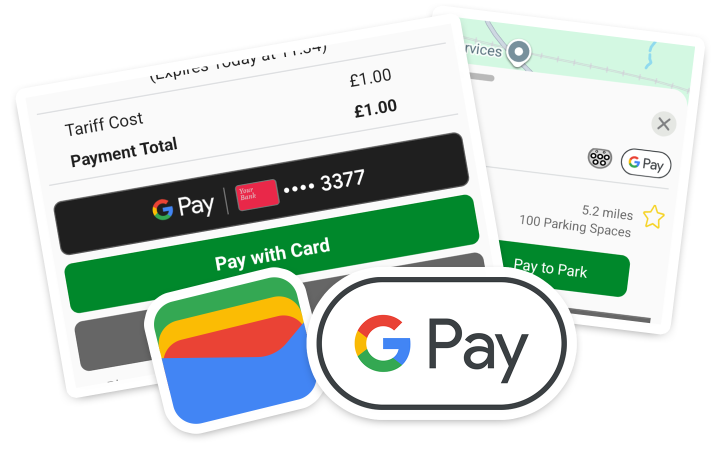
Selected MiPermit locations support paying with Google Pay through Google Wallet. These locations are shown with a “GPay” logo in the MiPermit app.
Get the Google Wallet app
To set up Google Pay on your device, please see Google's own documentation on installing the Google Wallet app (opens in a new window).
Add a supported payment card (Visa and Mastercard)
MiPermit supports Visa and Mastercard debit and credit cards, we do not support payments with Amex or other card types at this time. To add a payment card with Google Wallet see Google's own documentation on adding a payment card to Wallet (opens in a new window).
Important information
Payment cards added to a Google Account, such as to make payments on YouTube and the Play Store which are advertised as “Google Pay” are not supported at this time. MiPermit requires a payment method added to Google Wallet to make a secure payment.
MiPermit does not currently support additional “wallet” apps, such as Samsung Wallet and PayPal.
MiPermit does not support Amex or other payment cards. Visa and Mastercard debit and credit card payments are supported, and may require a 3D Secure challenge to make payment (which contacts your bank to approve the payment before completing the payment).